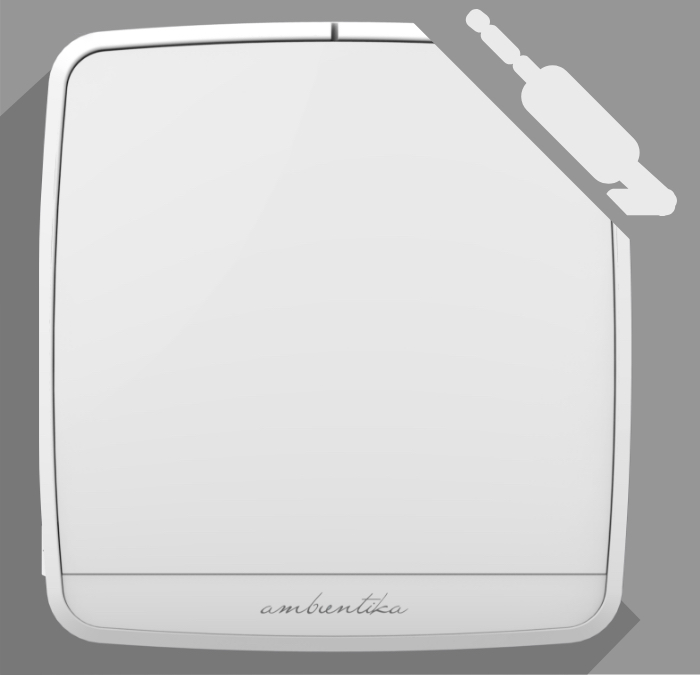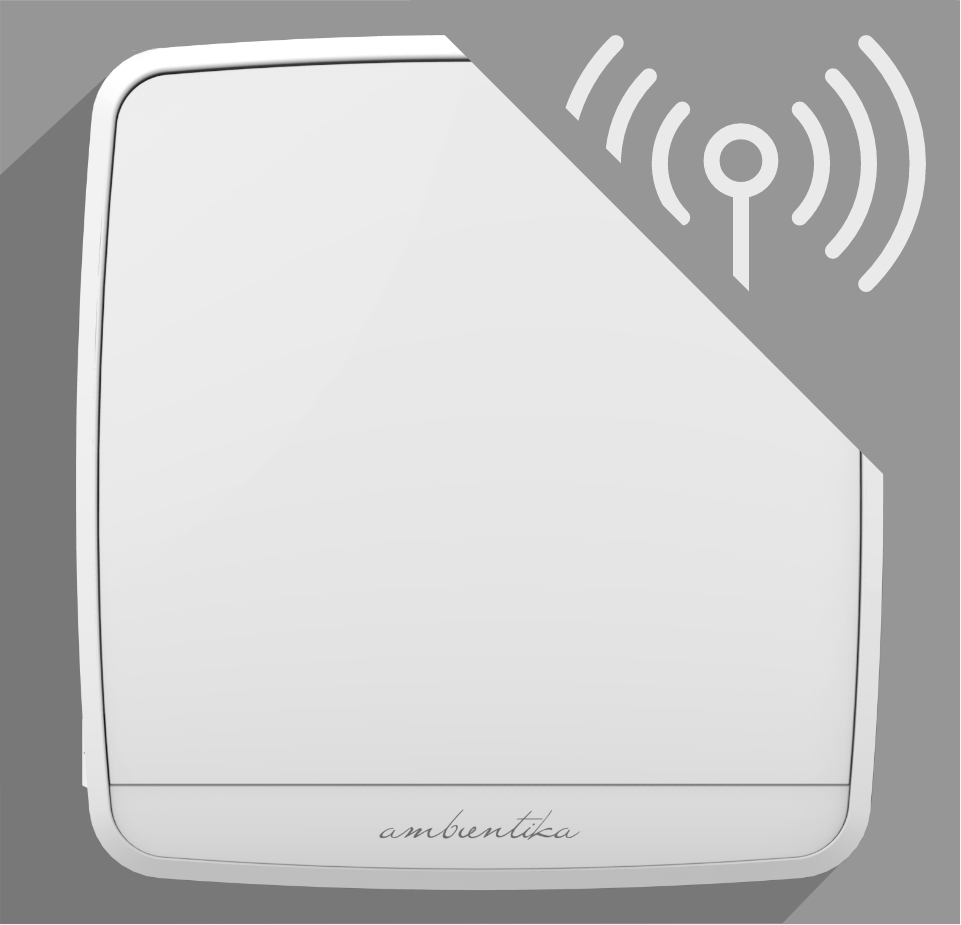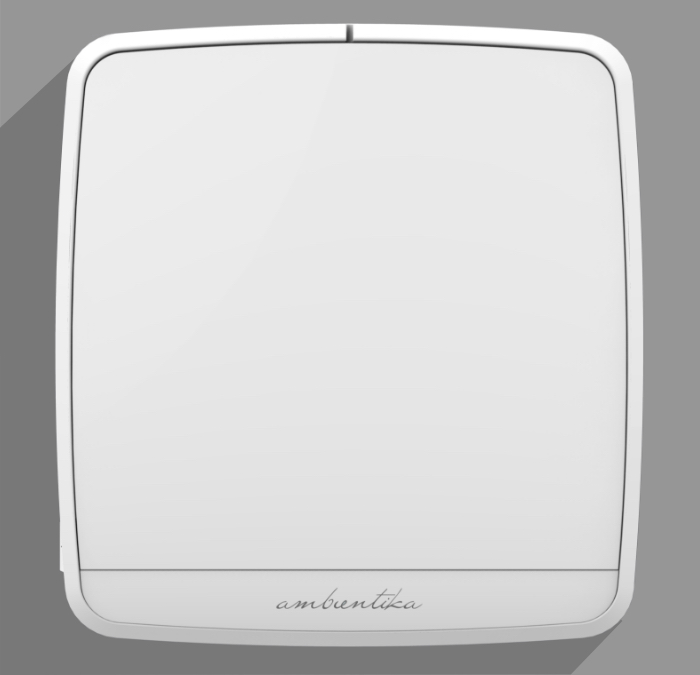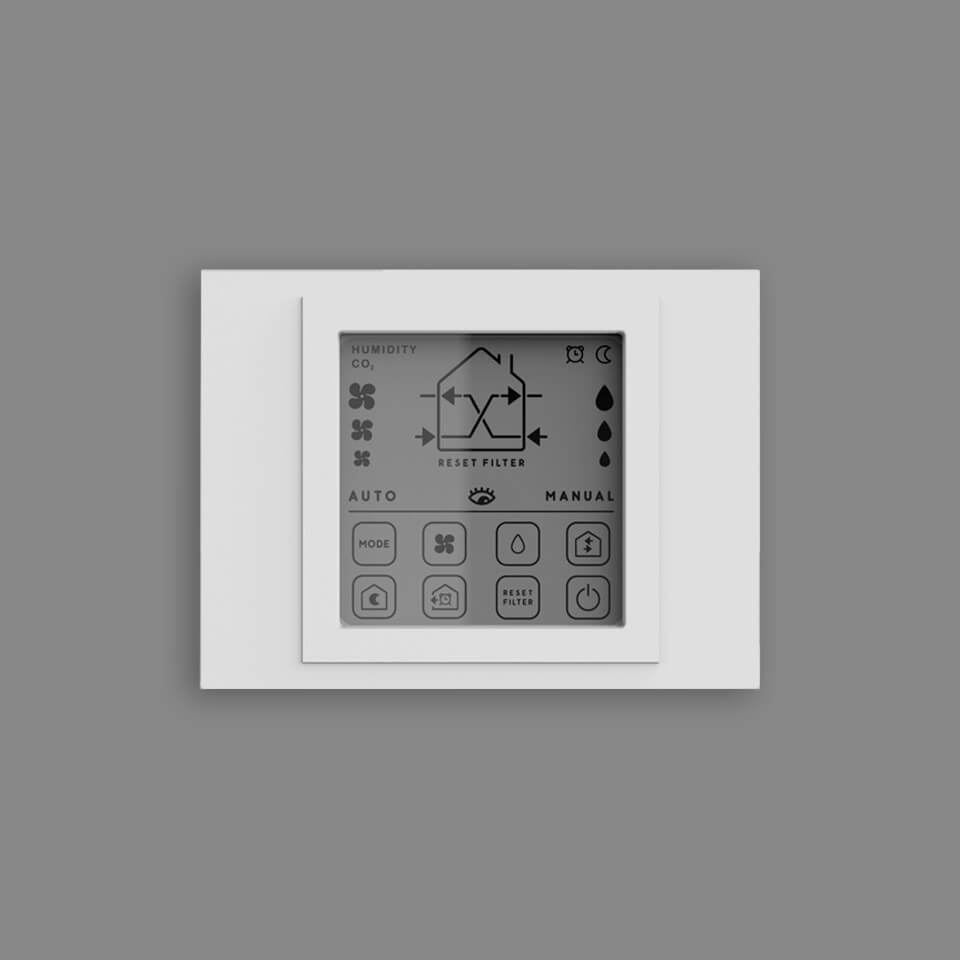
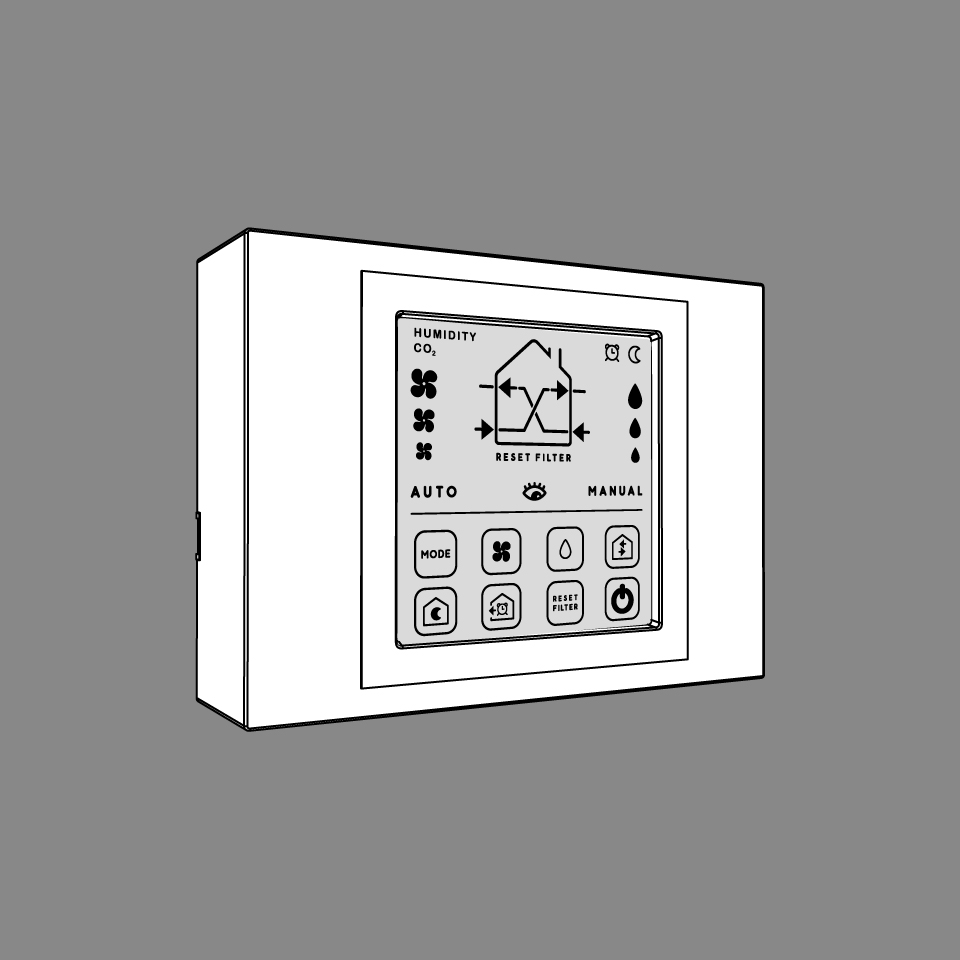
Wall panel ADVANCED +
Complete set
Description
The optional wall panel communicates with the master unit, which then automatically synchronizes all connected slave devices. The wall panel requires a 230V power supply and is connected to the master unit either via cable or via radio.
(124x92x34mm)
About the variants: The versions with a CO₂ sensor also measure the CO₂ level of the room air and control ventilation automatically on demand – for the best air quality without manual adjustment.
Products in comparison
Ambientika solo+
379,00 €
Prices incl. VAT plus Shipping
The SOLO model, suitable for single-room solutions, operates autonomously without requiring manual control. This model can be connected to the dew point control or radon measurement system. For living rooms, the other models with sensor technology are recommended, because these models can work more quietly due to the whisper-quiet night mode.
Tip: If the Solo+ units are coupled with the time delay module (accessory), the optimal effect of cross ventilation can be achieved.
- Includes a set of G3 filters
- Radio remote control with three speed levels included in the set
- Minimal noise emissions - high-tech fan positioned behind the heat exchanger
- Made with high-quality materials
- Automatic operation makes it ideal for rental properties
- Energy-efficient
- Thermal barrier in summer and winter – supply air close to room temperature
Ambientika advanced+
519,00 €
Prices incl. VAT plus Shipping
With integrated sensor technology.
- Automatic operation
- Unit supplied with remote control and wall mounting bracket
- Can be wired to up to 15 other devices
- Minimal noise emissions – high-tech fan positioned behind the heat exchanger
- Free cooling by remote control – cool night air without heat recovery
- Thermal barrier in summer and winter – supply air close to room temperature
Ambientika wireless+
579,00 €
Prices incl. VAT plus Shipping
With integrated sensor technology.
- Automatic operation
- Unit supplied with remote control and wall mounting bracket
- Can be wirelessly connected to up to 15 other devices
- Minimal noise emissions – high-tech fan positioned behind the heat exchanger
- Safe and reliable radio frequency (with built-in transmitter/receiver)
- Free cooling by remote control – cool night air without heat recovery
- Thermal barrier in summer and winter – supply air close to room temperature
Ambientika smart
619,00 €
Prices incl. VAT plus Shipping
Can be controlled with the Ambientika app
Also ideal for landlords, as the tenant does not have to be given control and operation can be controlled via the app.
The device can optionally be controlled with a remote control (not included). Even without an internet connection, the master device responds to the remote control after initial commissioning.
Download instruction manual app
Ideal for landlords and hoteliers
Manage multiple apartments or hotel rooms from a single place: with our Local App you can monitor and control all devices directly from your PC — no subscription, no cloud account. Tenants and guests don't need any app — you stay in full control.
The control interface runs locally on your network — tenants and guests don't need to create accounts or install apps. GDPR compliant: no sharing of user data with third parties. Setup guide: github.com/ambientika-eu/ambientika-local-app
New: Intelligent ventilation system
Can also be used in windowless rooms (e.g. in interior bathrooms or basements).
You can set the sensitivity of the light sensor in the app and deactivate it completely.
SMART mode:
Based on the measurement values from 4 integrated sensors in the indoor unit, the ventilation system independently decides how best to ventilate the space in order to achieve perfect air quality in the living space. The measurement values are compared with the nearest weather station online using a database
- Internal temperature sensor
- Humidity sensor
- Twilight sensor
- VOC sensor (p.s. this air quality sensor does not directly detect CO2, but it does allow for a good approximation of carbon dioxide measurement through detection of volatile organic compounds)
Additional automatic functions in Smart mode:
When these three conditions occur at the same time:
Indoor temperature > 24 °C
Outdoor temperature > 20 °C
Outdoor T < indoor T
the ventilation system switches to "summer mode" and only works in FREE COOLING mode without heat recovery.
When it is dark in the master ventilation unit room, the whisper-quiet night mode is automatically activated.
Away from home mode
The product is off, the humidity threshold is fixed at 60% and cannot be changed.
When the humidity value detected by the sensor exceeds 60%, the product switches to heat recovery mode at speed 1.
Twilight sensor is not active.
Air flow system
with selectable direction to choose optimal house side for incoming air.
Weekly schedule
If you press the “SCHEDULED” button, you can create time slots for a weekly schedule. Days can also be copied.If you want to plan the entire day, you must cover every time period of the day. If the day is not completely filled with time slots, the previously active mode will automatically be reactivated after a time slot ends.

And many more setting options

🆕 New: Ready for your Smart Home in 5 minutes – no coding required
Since May 2026, the official Ambientika Smart Home Integration is available worldwide — open source, no subscription, no cloud required. Control your ventilation unit with Apple Home, Google Home, Amazon Alexa, Home Assistant – or by voice command: "Hey Siri, switch the ventilation to night mode."
It's that simple:
Open Home Assistant → Add-on Store → search for "Ambientika MQTT Bridge" → Install → enter your credentials. Done.
✓ No subscription · ✓ Open Source · ✓ No cloud required · ✓ Full data privacy · ✓ TÜV-certified hardware
Smart Home Integrations
The Ambientika smart is compatible with all leading smart home platforms. The open-source Ambientika MQTT Bridge connects your device to virtually any smart home system – no cloud dependency, full data privacy.
Compatible with:
Home Assistant · Apple Home · Google Home · Amazon Alexa · Node-RED · Loxone · ioBroker · openHAB · Homey
Home Assistant Add-on
Home Assistant OS users can install the Ambientika smart as an add-on with a single click. All device data (humidity, temperature, air quality, operating mode) appear automatically as entities – no terminal, no configuration files required. Automations like night mode, humidity boost or filter alarm notifications can be set up instantly.
Apple Home, Google Home & Amazon Alexa
Via the Homebridge plugin, the Ambientika smart integrates into Apple Home, Google Home and Amazon Alexa. Control your ventilation with Siri, Google Assistant or Alexa: "Hey Siri, switch ventilation to night mode."
Loxone
A complete MQTT integration guide is available for Loxone Miniserver users. All sensor values are available as virtual inputs; operating mode and fan speed can be controlled via virtual outputs.
Node-RED
A ready-to-import Node-RED flow is available for download. Ideal for advanced automations and integration into existing smart home projects.
Works with
🏠 Home Assistant – Installation Guide▼ Click to expand
Connect your Ambientika smart directly to Home Assistant – via the official add-on. No cloud, no tinkering required:
- Open Home Assistant → Settings → Add-ons → Add-on Store
- Top right, click the ⋮ menu → Repositories
- Enter this URL and click Add:
https://github.com/ambientika-eu/ambientika-ha-addon - Reload the page → search for "Ambientika MQTT Bridge" → Install
- Open the add-on → Configuration tab → enter your Ambientika username & password
- Start – done! All devices appear automatically under Settings → Devices & Services → MQTT.
Note:
Before the first start, create a separate MQTT user with password in Home Assistant under Settings → People. Then enter these credentials in the add-on under "MQTT Username" and "MQTT Password".
🖥️ For Power Users: Local App Without Cloud▼ Click to expand
Want to control your Ambientika device fully locally – without any cloud server and without an internet connection? The Ambientika Local App makes exactly that possible. It runs on your home server (e.g. Raspberry Pi) and is accessible via any browser.
💡 Tip:
The app can be saved directly from the browser to your home screen as a PWA – no app store download required (iOS & Android).
- Install Docker on your server:
get.docker.com - Download the app:
git clone https://github.com/ambientika-eu/ambientika-local-app.git - Enter credentials (email & password):
cp .env.example .env - Start the app:
docker compose up -d - Open in browser:
http://IP-OF-YOUR-SERVER:8080
📦 Full guide & source code: github.com/ambientika-eu/ambientika-local-app
Trouble with the setup? We'll sort it out together — usually in just a few minutes.
Almost every question comes down to a single setting in your router. You don't have to find it yourself. Just send us three things and we'll show you exactly where to tap.
- Your router model
- Repeater or mesh system model — if you have one
- A screenshot of your Wi-Fi settings
Don't hesitate to ask. No question is too small — and you don't have to fix anything yourself. We reply personally and help right away.
All devices · Supply air · Level 1 — On a radon alarm, NeuraCell-X switches all devices to supply-air mode (level 1), creating a slight positive pressure against infiltrating radon.
Enabled — Conditions good – ventilation enabled (radon protection active)
- Can be controlled with the Ambientika app or optional by using a remote control.
- VOC sensor (air quality)
- Internal temperature sensor
- Humidity sensor
- Adjustable weekly schedule
- Light sensor
- Minimal noise emissions – high-tech fan positioned behind the heat exchanger
- Compares indoor air data online with the nearest weather station
- Also ideal for landlords, as the tenant does not have to be given control and operation can be controlled via the app.
- Can be integrated into the “Home Assistant” smart home system.
- Automatic summer mode – free cooling switches on by itself
- Thermal barrier in summer and winter – supply air close to room temperature
Ambientika advanced B+ - Bathroom ventilator
439,00 €
Prices incl. VAT plus Shipping
The Ambientika advanced B+ brings decentralised ventilation with heat recovery to the bathroom: the integrated humidity sensor automatically detects raised humidity and thus prevents mould and damp walls.
It is very popular with energy consultants in particular because they also want to have heat recovery in bathrooms. This fan is therefore 2-in-1:Manual boost via wall switch (RS485) – Guide
A standard 230 V wall switch can trigger a manual boost on the ADVANCED B+ — without Wi-Fi or an app. One press sets the unit to level 3 (boost) for 20 minutes; a second press ends it early. The unit then automatically returns to automatic mode. The humidity sensor stays active throughout.
How it works – step by step:
- A control unit (Arduino + MAX485 RS485 module, coupling relay, 5 V power supply) is installed in the distribution board.
- The wall switch sends 230 V to the coupling relay; its volt-free contact connects to the control unit.
- The control unit connects via RS485 to the device terminals 4 (A), 3 (B) and 5 (GND).
- Set the DIP switch on the device to "Master with wall panel" and fit the 120 Ω termination.
- Done — pressing the switch tests the boost.
Full code, wiring diagram and bill of materials: github.com/ambientika-eu/ambientika-rs485-boost-button
⚠️ Important: All work on the 230 V installation must be carried out exclusively by a qualified electrician (de-energise the system first). The components used are not official Ambientika accessories; SUEDWIND provides no warranty or support for this build.
- Automatic operation
- Unit supplied with remote control and wall mounting bracket
- Minimal noise emissions – high-tech fan
- Free cooling by remote control – cool night air without heat recovery
- Thermal barrier in summer and winter – supply air close to room temperature
Decentralized ventilation system Ambientika Office
699,00 €
Prices incl. VAT plus Shipping
This model is ideal for commercial properties such as meeting rooms, offices, sales rooms, waiting rooms, hair salons, schools, doctor's offices, etc. In contrast to the 160mm models, this version has a higher air exchange rate (100m³/h), larger dimensions, a pipe diameter of 200mm and can also be installed as a flush-mounted version. The higher air volume causes slightly higher flow noise, which is why this model should not be used in living spaces.
Download data sheet
Can be controlled with the Ambientika app
Also ideal for landlords, as the tenant does not have to be given control and operation can be controlled via the app.
The device can optionally be controlled with a remote control (not included). Even without an internet connection, the master device responds to the remote control after initial commissioning.
Download instruction manual app
Ideal for landlords and hoteliers
Manage multiple apartments or hotel rooms from a single place: with our Local App you can monitor and control all devices directly from your PC — no subscription, no cloud account. Tenants and guests don't need any app — you stay in full control.
The control interface runs locally on your network — tenants and guests don't need to create accounts or install apps. GDPR compliant: no sharing of user data with third parties. Setup guide: github.com/ambientika-eu/ambientika-local-app
New: Intelligent ventilation system
SMART mode:
Based on the measurement values from 4 integrated sensors in the indoor unit, the ventilation system independently decides how best to ventilate the space in order to achieve perfect air quality in the living space. The measurement values are compared with the nearest weather station online using a database
- Internal temperature sensor
- Humidity sensor
- Twilight sensor
- VOC sensor (p.s. this air quality sensor does not directly detect CO2, but it does allow for a good approximation of carbon dioxide measurement through detection of volatile organic compounds)
Additional automatic functions in Smart mode:
When these three conditions occur at the same time:
Indoor temperature > 24 °C
Outdoor temperature > 20 °C
Outdoor T < indoor T
the ventilation system switches to "summer mode" and only works in FREE COOLING mode without heat recovery.
When it is dark in the master ventilation unit room, the whisper-quiet night mode is automatically activated.
AWAY FROM HOME MODE
The product is off, the humidity threshold is fixed at 60% and cannot be changed.
When the humidity value detected by the sensor exceeds 60%, the product switches to heat recovery mode at speed 1.
Twilight sensor is not active.
AIR FLOW SYSTEM with selectable direction to choose optimal house side for incoming air.And many more setting options

🆕 New: Smart Home & Building Automation in 5 minutes – no coding required
Since May 2026, the official Ambientika Smart Home Integration is available worldwide — open source, no subscription, no cloud required. Control and monitor your office ventilation with Apple Home, Google Home, Amazon Alexa, Home Assistant – or by voice command: "Hey Siri, switch the office ventilation to night mode."
It's that simple:
Open Home Assistant → Add-on Store → search for "Ambientika MQTT Bridge" → Install → enter your credentials. Done.
✓ No subscription · ✓ Open Source · ✓ No cloud required · ✓ Full data privacy · ✓ TÜV-certified hardware · ✓ Ideal for multiple devices
Smart Home & Building Automation
The Ambientika Office is compatible with all leading smart home and building automation platforms. The open-source Ambientika MQTT Bridge connects your device to virtually any system – for residential and commercial properties alike.
Compatible with:
Home Assistant · Apple Home · Google Home · Amazon Alexa · Node-RED · Loxone · ioBroker · openHAB · Homey · KNX (via MQTT Gateway) · BACnet (via Bridge)
Home Assistant Add-on
Simple one-click installation as a Home Assistant add-on. All device data appears automatically as entities – ideal for centralised monitoring of multiple devices in offices, hotels or apartment buildings.
Apple Home, Google Home & Amazon Alexa
Via the Homebridge plugin, the Ambientika Office integrates into Apple Home, Google Home and Amazon Alexa, including voice control via Siri, Google Assistant or Alexa.
Loxone & KNX
Complete MQTT integration guide available for Loxone Miniserver. All sensor values (CO₂/VOC, temperature, humidity) available as virtual inputs, controlled via virtual outputs – ideal for professional building automation.
Node-RED
Ready-to-import Node-RED flow for custom automation logic. Ideal for facility managers and system integrators.
Works with
🏠 Home Assistant – Installation Guide▼ Click to expand
Connect your Ambientika smart directly to Home Assistant – via the official add-on. No cloud, no tinkering required:
- Open Home Assistant → Settings → Add-ons → Add-on Store
- Top right, click the ⋮ menu → Repositories
- Enter this URL and click Add:
https://github.com/ambientika-eu/ambientika-ha-addon - Reload the page → search for "Ambientika MQTT Bridge" → Install
- Open the add-on → Configuration tab → enter your Ambientika username & password
- Start – done! All devices appear automatically under Settings → Devices & Services → MQTT.
Note:
Before the first start, create a separate MQTT user with password in Home Assistant under Settings → People. Then enter these credentials in the add-on under "MQTT Username" and "MQTT Password".
🖥️ For Power Users: Local App Without Cloud▼ Click to expand
Want to control your Ambientika device fully locally – without any cloud server and without an internet connection? The Ambientika Local App makes exactly that possible. It runs on your home server (e.g. Raspberry Pi) and is accessible via any browser.
💡 Tip:
The app can be saved directly from the browser to your home screen as a PWA – no app store download required (iOS & Android).
- Install Docker on your server:
get.docker.com - Download the app:
git clone https://github.com/ambientika-eu/ambientika-local-app.git - Enter credentials (email & password):
cp .env.example .env - Start the app:
docker compose up -d - Open in browser:
http://IP-OF-YOUR-SERVER:8080
📦 Full guide & source code: github.com/ambientika-eu/ambientika-local-app
Connection issue on your corporate network? We usually resolve it on first contact.
To point you straight to the right menu item, a few details are enough — just send them over and we'll take care of the rest.
- Router or access point model
- Repeater or mesh system in use
- Screenshot of the Wi-Fi / network settings
- Are the devices on a dedicated VLAN/IoT network?
Ask us early. A short email saves you a long troubleshooting session — we know the typical router and network settings and help right away.
Technical sheet with all network requirements: ambientika.eu/ratgeber-wlan
All devices · Supply air · Level 1 — On a radon alarm, NeuraCell-X switches all devices to supply-air mode (level 1), creating a slight positive pressure against infiltrating radon.
Enabled — Conditions good – ventilation enabled (radon protection active)
- Can be controlled with the Ambientika app or optional by using a remote control.
- VOC sensor (air quality)
- Internal temperature sensor
- Humidity sensor
- Light sensor
- Minimal noise emissions – high-tech fan positioned behind the heat exchanger
- Compares indoor air data online with the nearest weather station
- Also ideal for landlords, as the tenant does not have to be given control and operation can be controlled via the app.
- Automatic summer mode – free cooling switches on by itself
- Thermal barrier in summer and winter – supply air close to room temperature