
Single room heat recovery
ventilation system
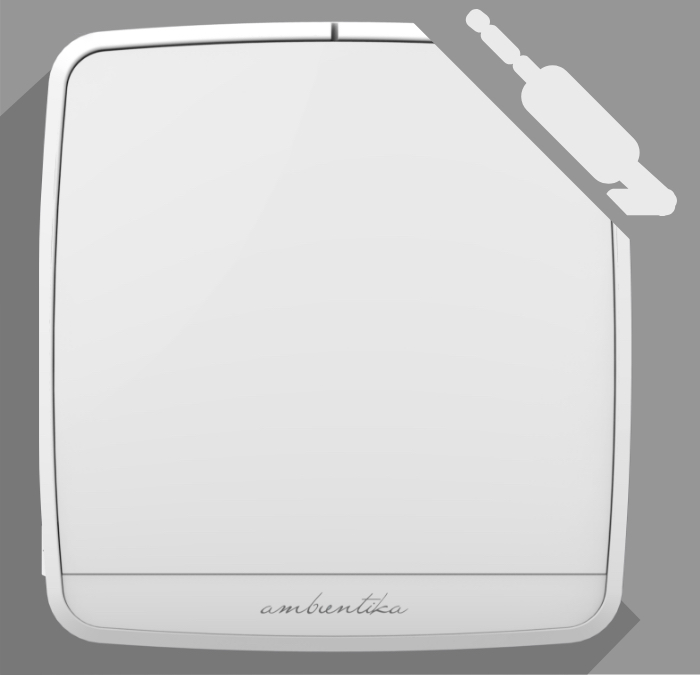
Ambientika advanced B+ - Bathroom ventilator
419,00€
It is very popular with energy consultants in particular because they also want to have heat recovery in bathrooms. This fan is therefore 2-in-1:
The timer button can be pressed as required, then the fan aspirates at full load for 20 minutes and then switches back to heat recovery mode in order to dry out the moisture which is stored in the walls (alternatively automatically by the humidity sensor).
- Automatic operation
- Unit supplied with remote control and wall mounting bracket
- Minimal noise emissions – high-tech fan
- Optional free cooling – direction selectable
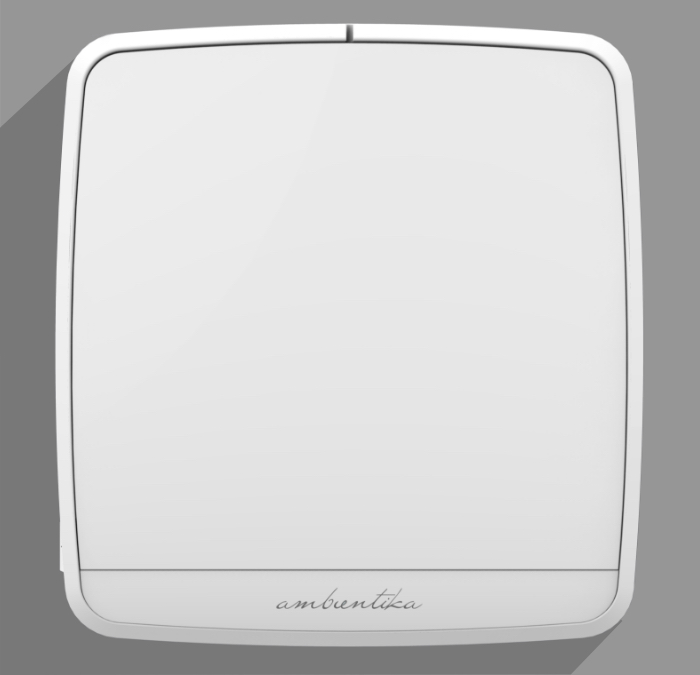
Ambientika solo+
359,00€
The SOLO model, suitable for single-room solutions, operates autonomously without requiring manual control. This model can be connected to the dew point control or radon measurement system. For living rooms, the other models with sensor technology are recommended, because these models can work more quietly due to the whisper-quiet night mode.
Tip: If the Solo+ units are coupled with the time delay module (accessory), the optimal effect of cross ventilation can be achieved.
- Includes a set of G3 filters
- Radio remote control with three speed levels included in the set
- Minimal noise emissions - high-tech fan positioned behind the heat exchanger
- Made with high-quality materials
- Automatic operation makes it ideal for rental properties
- Energy-efficient
Ambientika advanced+
479,00€
With integrated sensor technology.
- Automatic operation
- Unit supplied with remote control and wall mounting bracket
- Can be wired to up to 15 other devices
- Minimal noise emissions – high-tech fan positioned behind the heat exchanger
- Optional free cooling – direction selectable
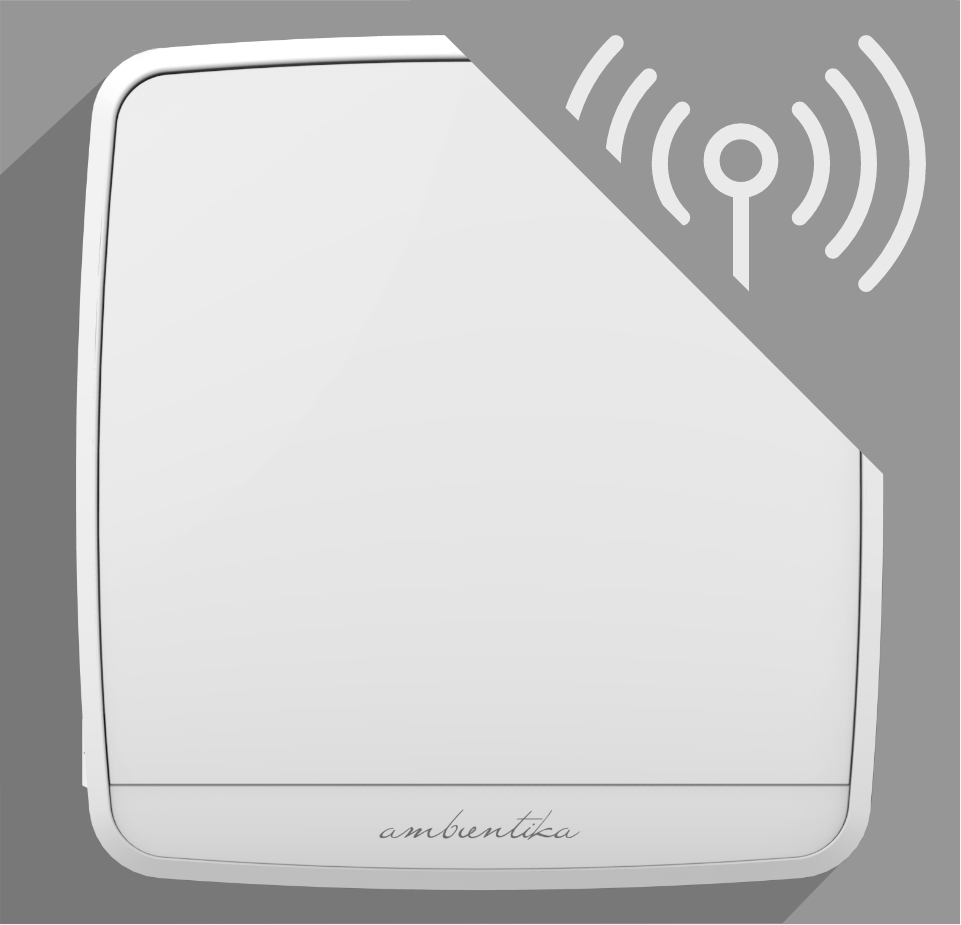
Ambientika wireless+
529,00€
With integrated sensor technology.
- Automatic operation
- Unit supplied with remote control and wall mounting bracket
- Can be wirelessly connected to up to 15 other devices
- Minimal noise emissions – high-tech fan positioned behind the heat exchanger
- Safe and reliable radio frequency (with built-in transmitter/receiver)
- Optional free cooling – direction selectable
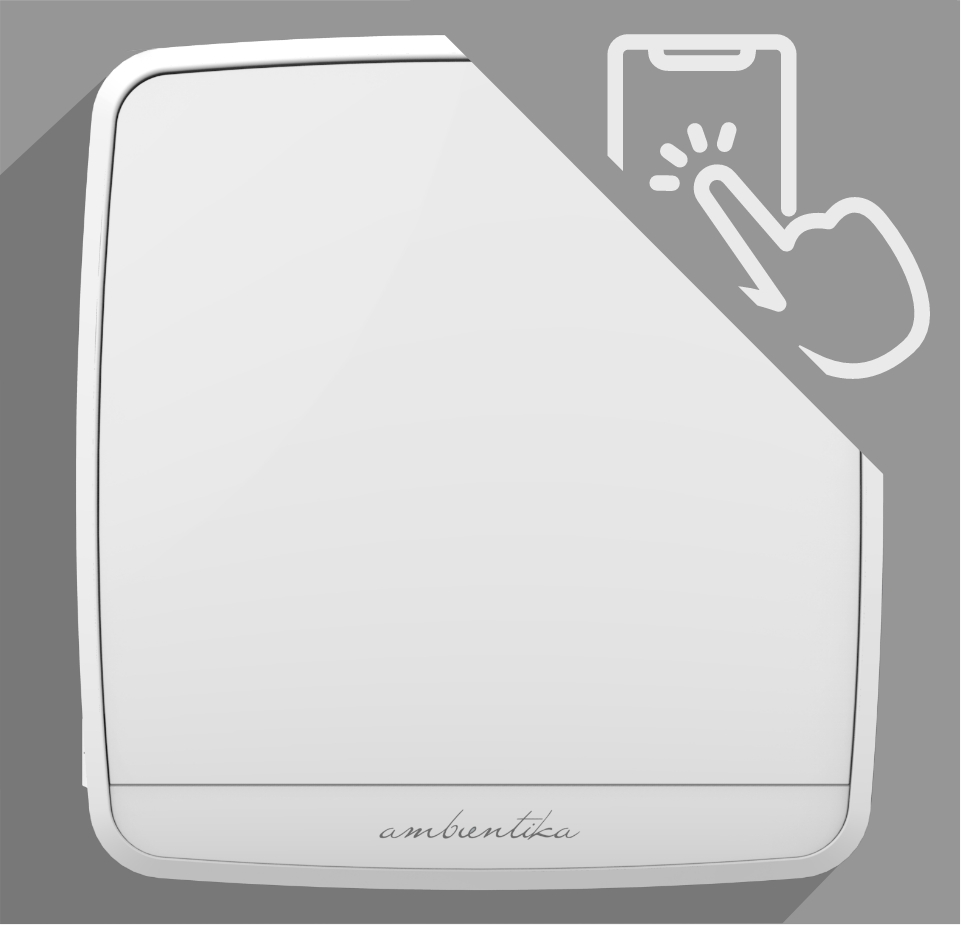
Ambientika smart
569,00€
Can be controlled with the Ambientika app

Also ideal for landlords, as the tenant does not have to be given control and operation can be controlled via the app.
The device can optionally be controlled with a remote control (not included). Even without an internet connection, the master device responds to the remote control after initial commissioning.
Download instruction manual app
Novelty: Intelligent ventilation system
SMART mode:
Based on the measurement values from 4 integrated sensors in the indoor unit, the ventilation system independently decides how best to ventilate the space in order to achieve perfect air quality in the living space. The measurement values are compared with the nearest weather station online using a database
• Internal temperature sensor;
• Humidity sensor;
• Twilight sensor
• VOC sensor (p.s. this air quality sensor does not directly detect CO2, but it does allow for a good approximation of carbon dioxide measurement through detection of volatile organic compounds)
Additional automatic functions in Smart mode:
When these three conditions occur at the same time:
Indoor temperature > 24 °C
Outdoor temperature > 20 °C
Outdoor T < indoor T
the ventilation system switches to "summer mode" and only works in FREE COOLING mode without heat recovery
When it is dark in the master ventilation unit room, the whisper-quiet night mode is automatically activated
AWAY FROM HOME MODE
The product is off, the humidity threshold is fixed at 60% and cannot be changed.
When the humidity value detected by the sensor exceeds 60%, the product switches to heat recovery mode at speed 1.
Twilight sensor is not active.
AIR FLOW SYSTEM with selectable direction to choose optimal house side for incoming air.
And many more setting options
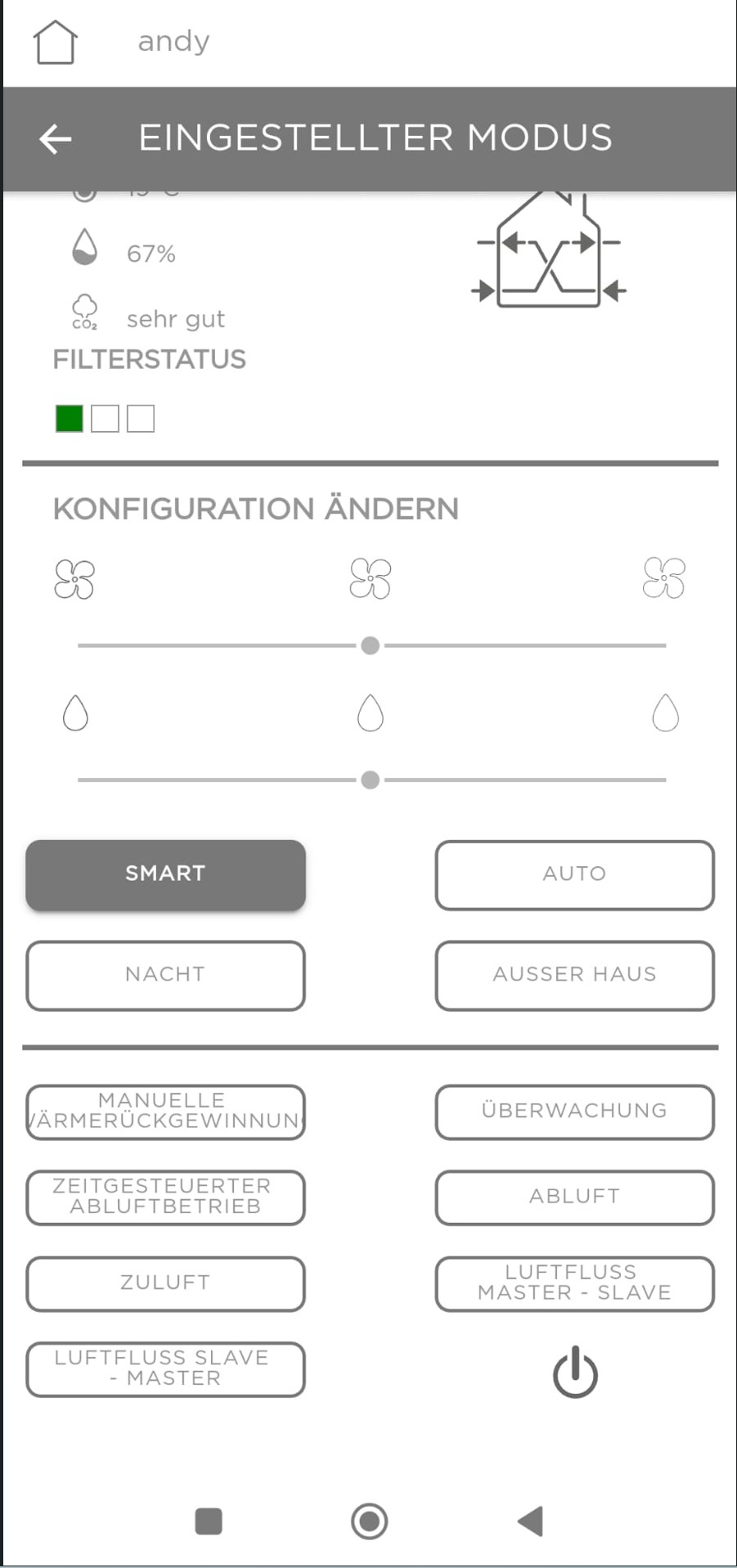
- Can be controlled with the Ambientika app or optional by using a remote control.
- VOC sensor (air quality)
- Internal temperature sensor
- Humidity sensor
- Light sensor
- Minimal noise emissions – high-tech fan positioned behind the heat exchanger
- Compares indoor air data online with the nearest weather station
- Also ideal for landlords, as the tenant does not have to be given control and operation can be controlled via the app.
.jpg)
Decentralized ventilation system Ambientika Office
659,00€
This model is ideal for commercial properties such as meeting rooms, offices, sales rooms, waiting rooms, hair salons, schools, doctor's offices, etc. In contrast to the 160mm models, this version has a higher air exchange rate (100m³/h), larger dimensions, a pipe diameter of 200mm and can also be installed as a flush-mounted version. The higher air volume causes slightly higher flow noise, which is why this model should not be used in living spaces.
Download data sheet
Can be controlled with the Ambientika app
Also ideal for landlords, as the tenant does not have to be given control and operation can be controlled via the app.
The device can optionally be controlled with a remote control (not included). Even without an internet connection, the master device responds to the remote control after initial commissioning.
Download instruction manual app
Novelty: Intelligent ventilation system
SMART mode:
Based on the measurement values from 4 integrated sensors in the indoor unit, the ventilation system independently decides how best to ventilate the space in order to achieve perfect air quality in the living space. The measurement values are compared with the nearest weather station online using a database
• Internal temperature sensor;
• Humidity sensor;
• Twilight sensor
• VOC sensor (p.s. this air quality sensor does not directly detect CO2, but it does allow for a good approximation of carbon dioxide measurement through detection of volatile organic compounds)
Additional automatic functions in Smart mode:
When these three conditions occur at the same time:
Indoor temperature > 24 °C
Outdoor temperature > 20 °C
Outdoor T < indoor T
the ventilation system switches to "summer mode" and only works in FREE COOLING mode without heat recovery
When it is dark in the master ventilation unit room, the whisper-quiet night mode is automatically activated
AWAY FROM HOME MODE
The product is off, the humidity threshold is fixed at 60% and cannot be changed.
When the humidity value detected by the sensor exceeds 60%, the product switches to heat recovery mode at speed 1.
Twilight sensor is not active.
AIR FLOW SYSTEM with selectable direction to choose optimal house side for incoming air.
And many more setting options
- Can be controlled with the Ambientika app or optional by using a remote control.
- VOC sensor (air quality)
- Internal temperature sensor
- Humidity sensor
- Light sensor
- Minimal noise emissions – high-tech fan positioned behind the heat exchanger
- Compares indoor air data online with the nearest weather station
- Also ideal for landlords, as the tenant does not have to be given control and operation can be controlled via the app.
Optional accessories
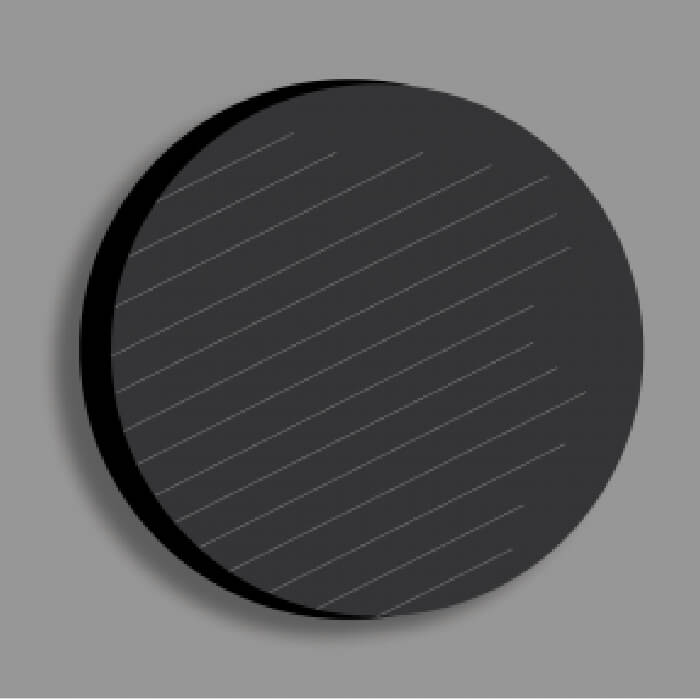
Spare part: G3 filter
16,00€

M5 antipollen filter kit
29,00€
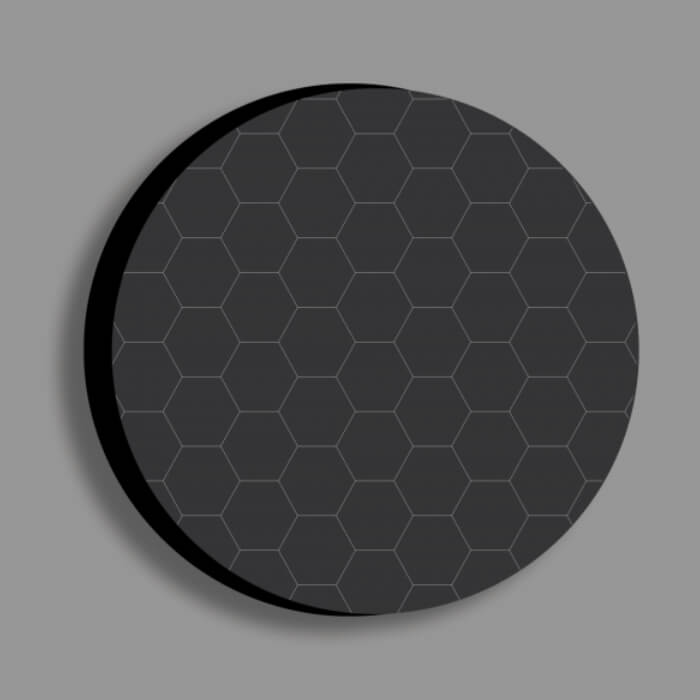
Activated carbon filter
35,00€
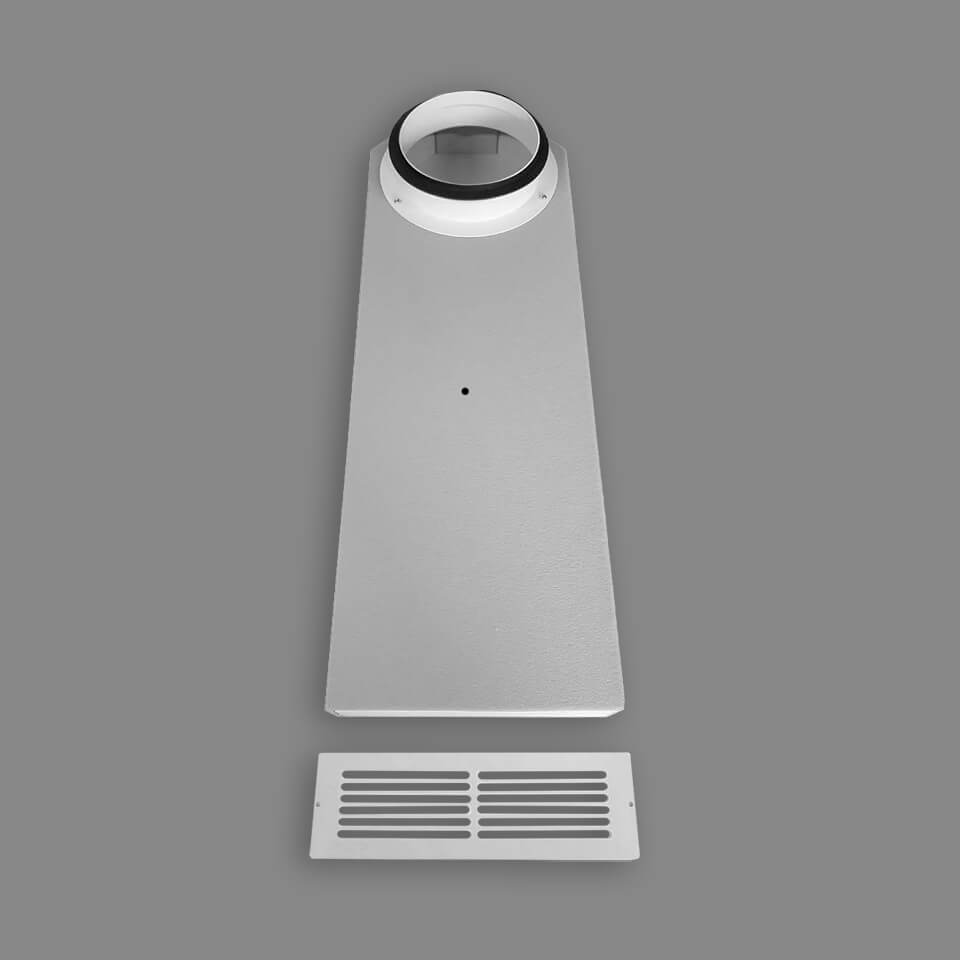
Window reveal
129,00€
.jpg)
Exterior hood pro
68,00€

Silencer
26,00€
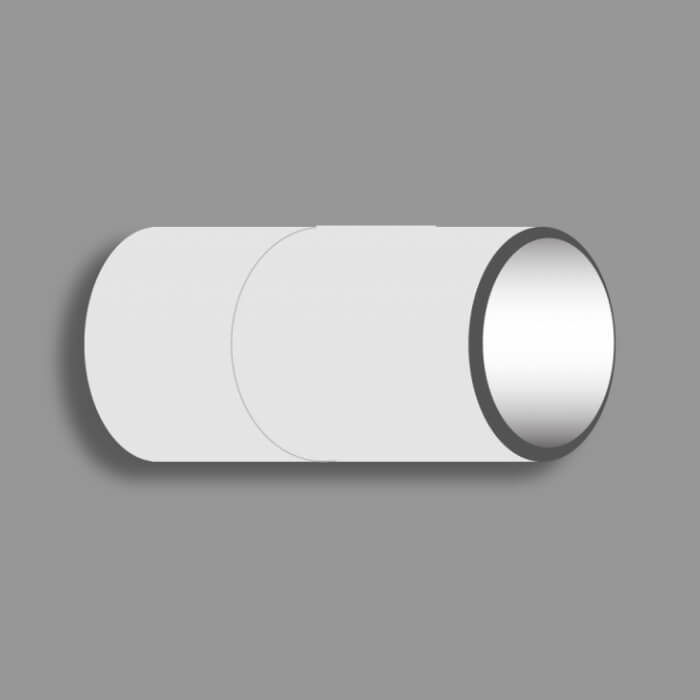
Longer wall plugs
23,00€
.jpg)
Connecting sleeve
3,99€
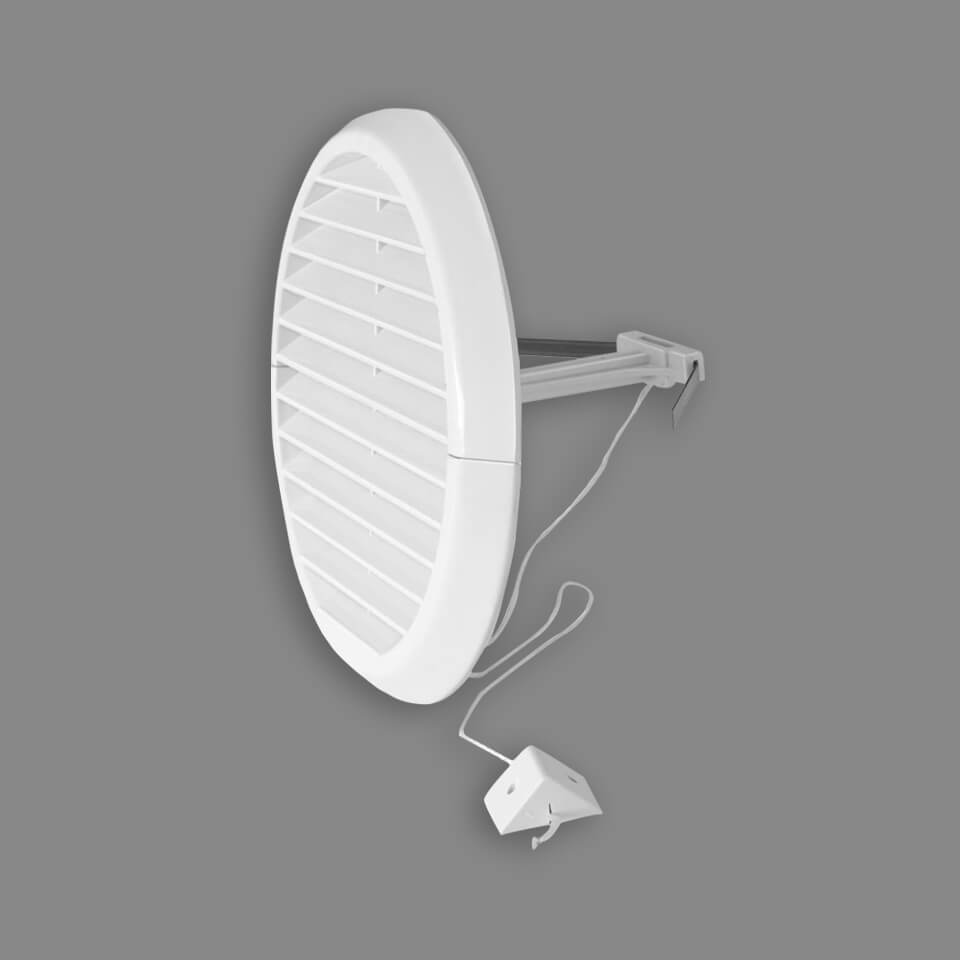
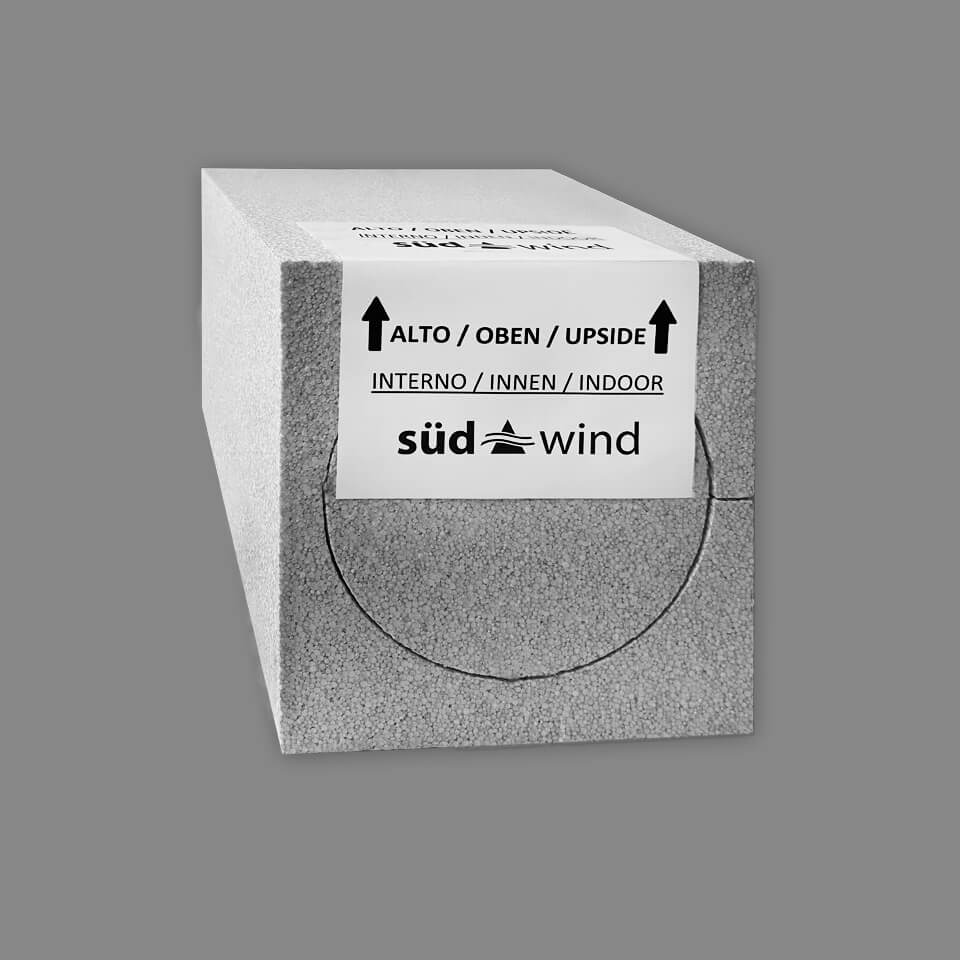
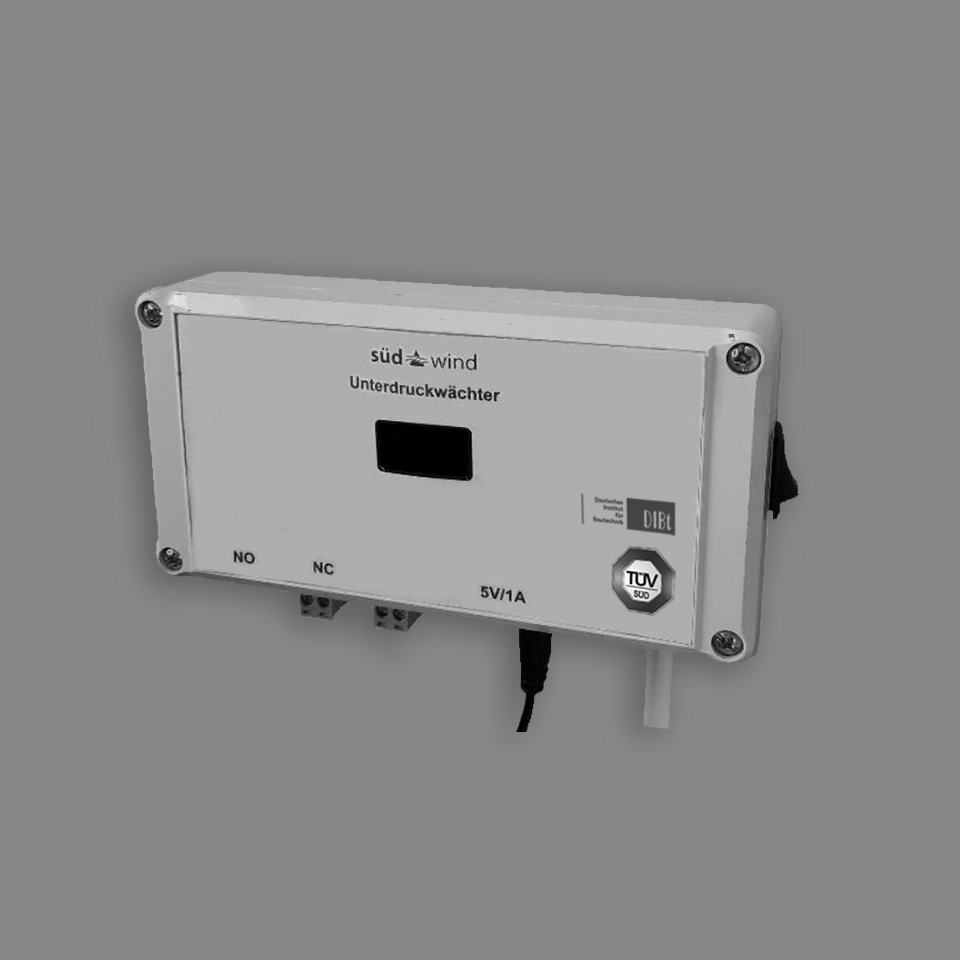
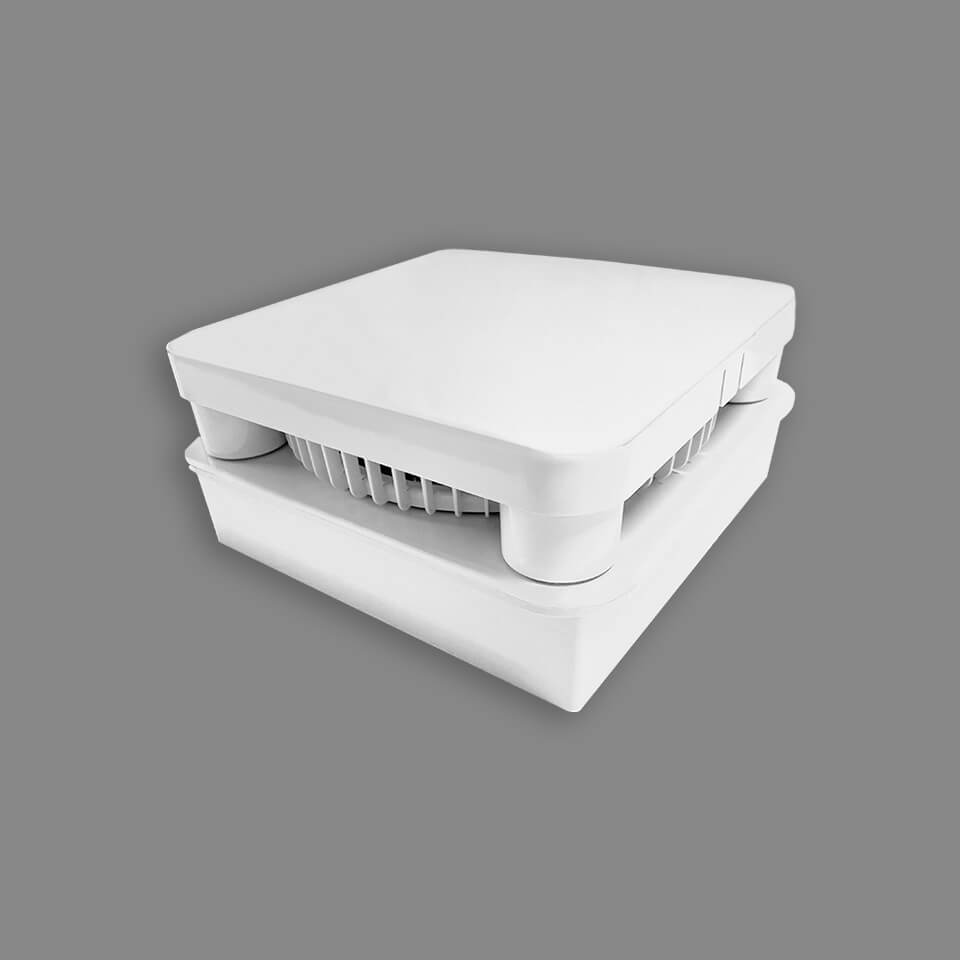
Spacer for outer cover
34,00€
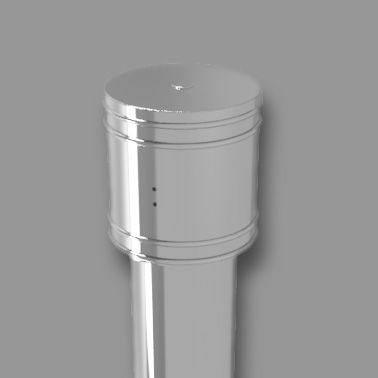
roof and basement tube
329,00€
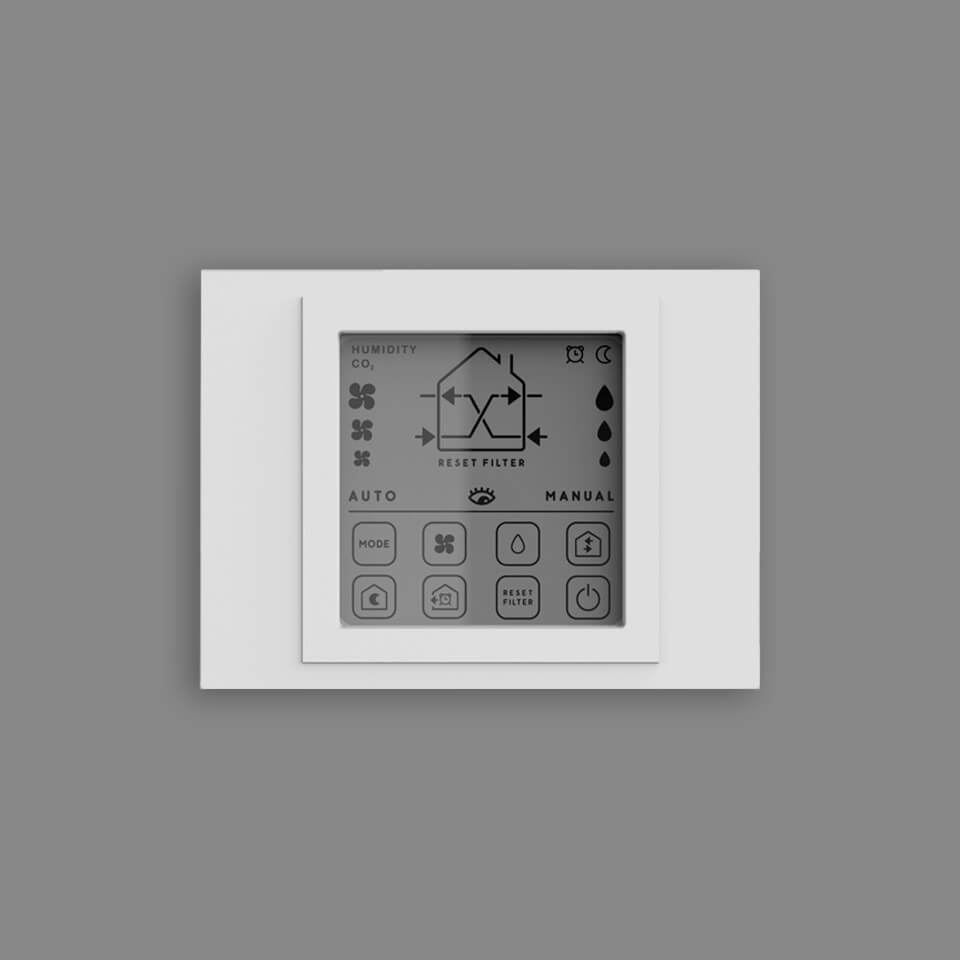
Wall panel
207,00€
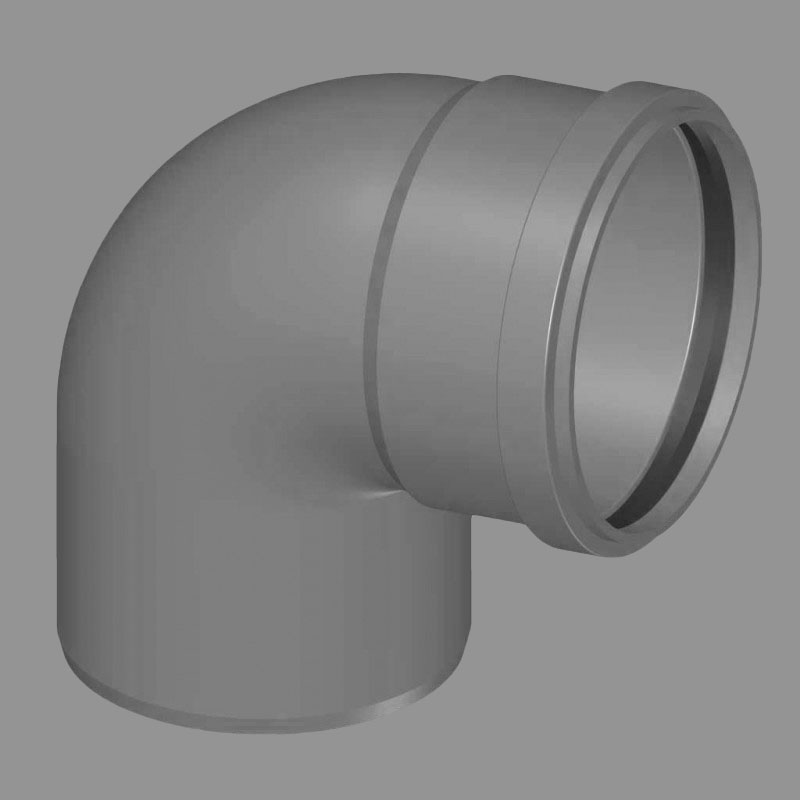
90° PVC Arc
28,00€
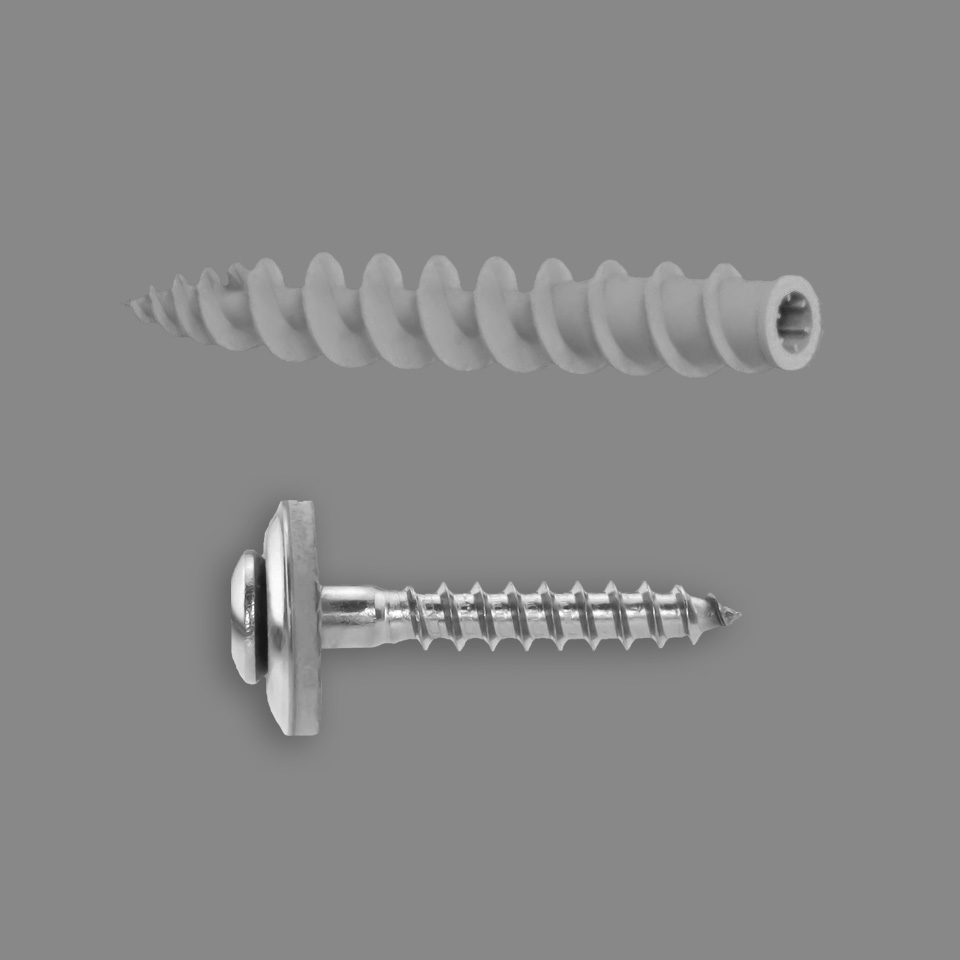
Insulation fixing
2,79€
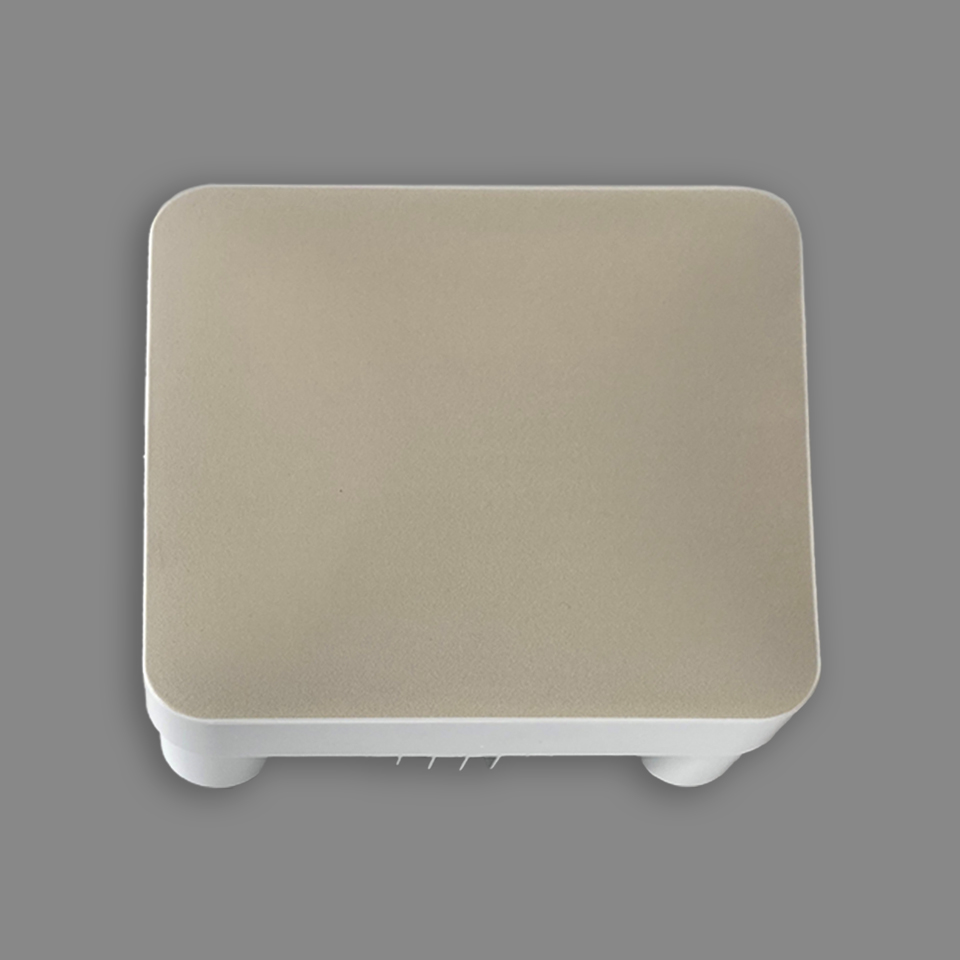
Painted outer cover
24,00€
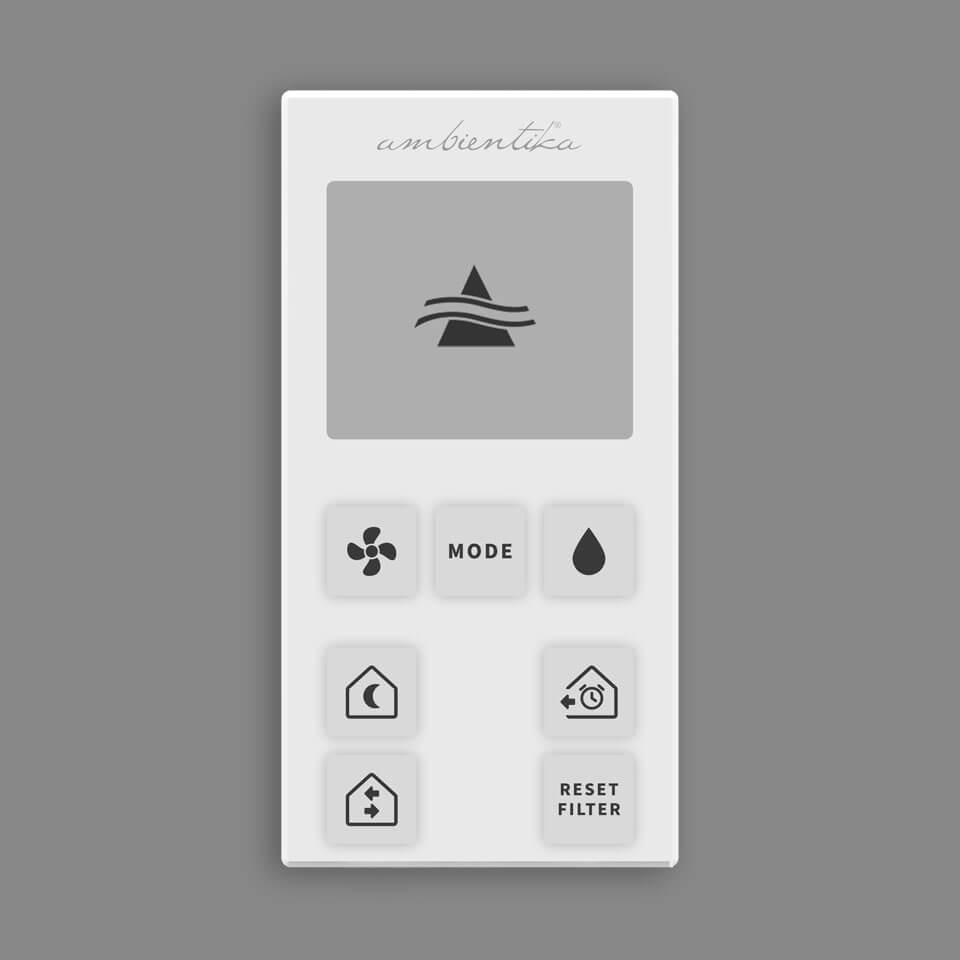
Remote control
32,00€

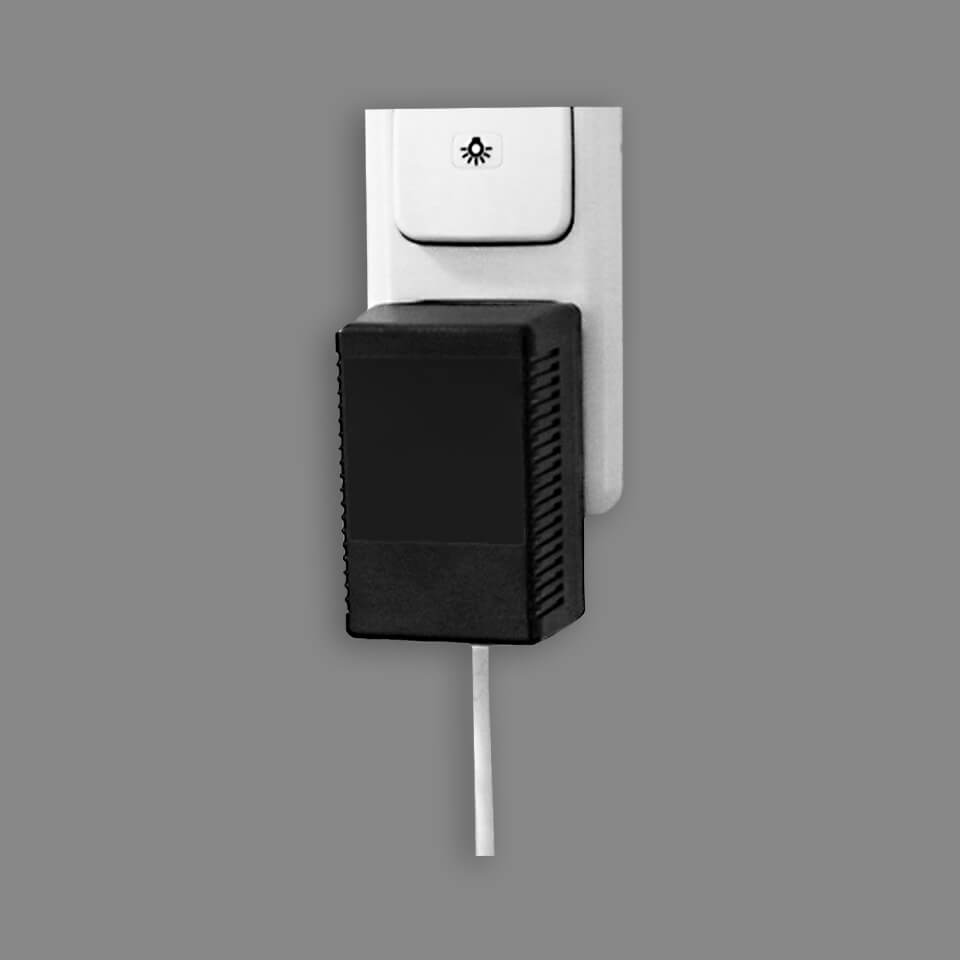
Operating hours counter
98,00€
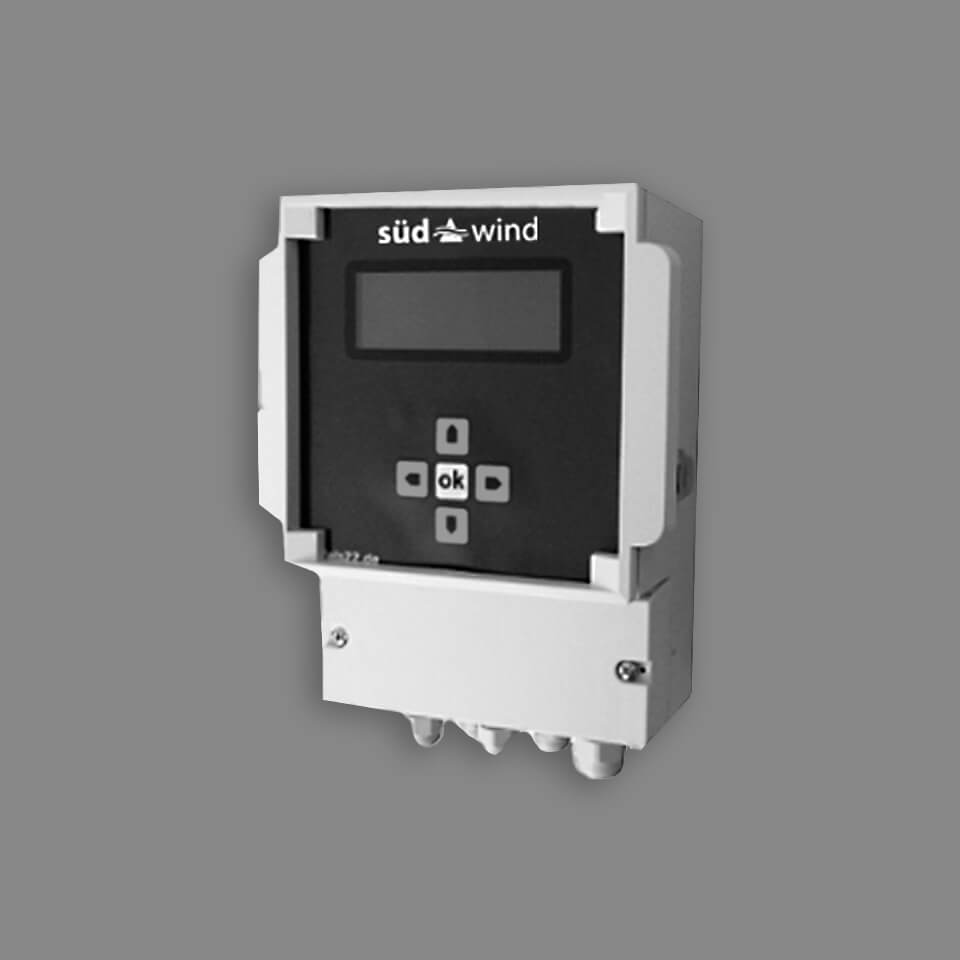
.jpg)
Radon meter
299,00€
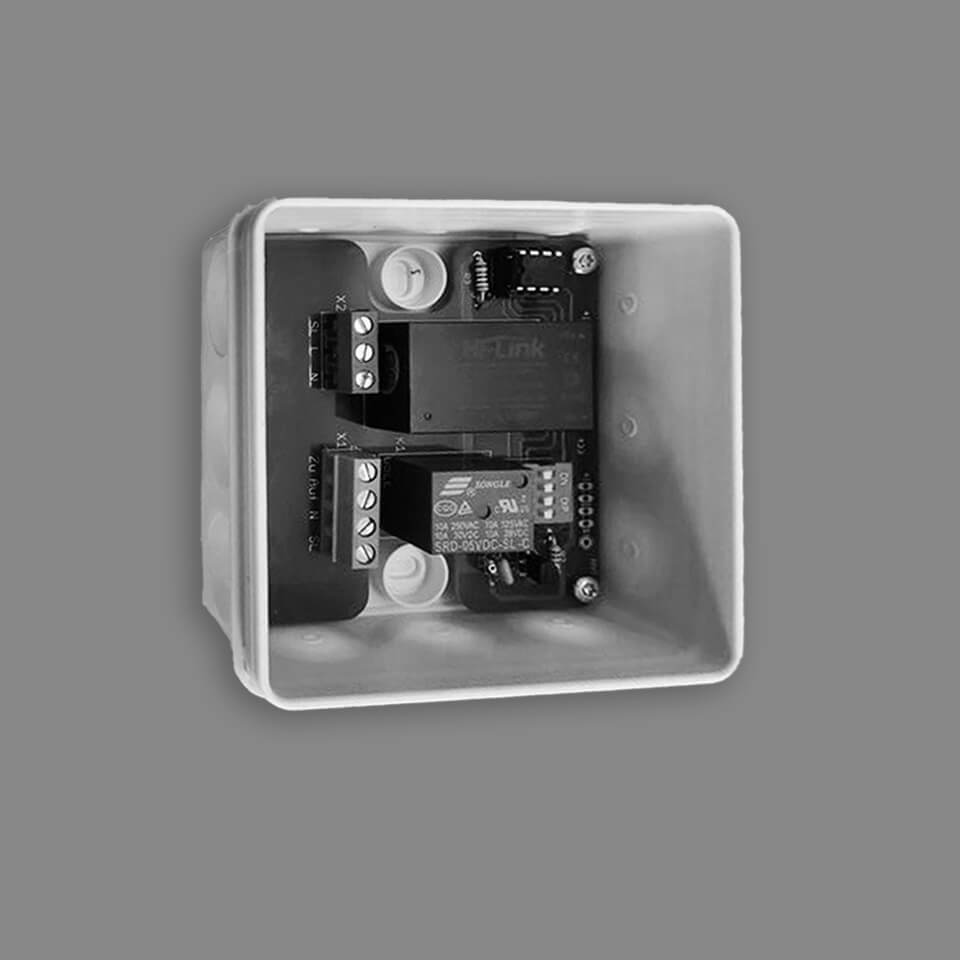
Time delay module for SOLO+
58,00€
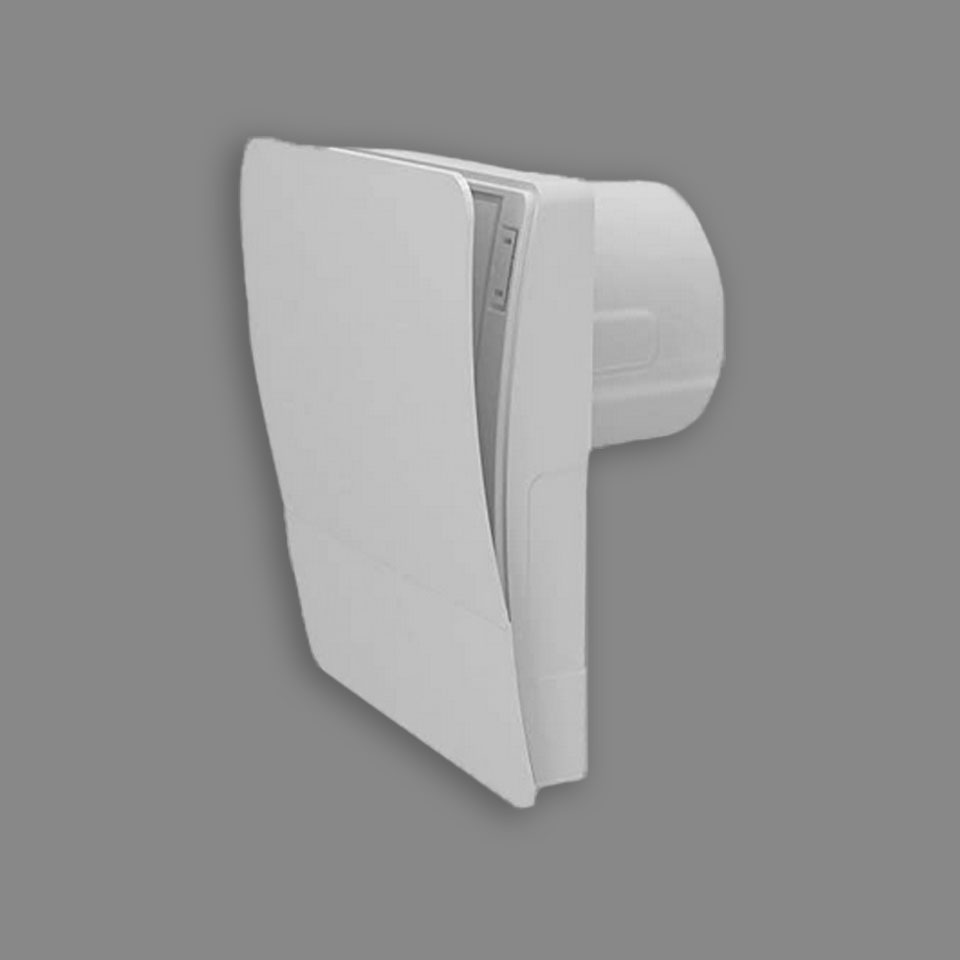
Ambientika Exhaust fan Easy
96,00€
